> ## Documentation Index
> Fetch the complete documentation index at: https://docs.mkinf.io/llms.txt
> Use this file to discover all available pages before exploring further.
# Getting Started with mkinf hub
> This guide will walk you through setting up and running your first AI Agent using mkinf hub.
## Prerequisites
* Python 3.9 or higher installed
* Basic understanding of Python and LLM programming
## 1. Create a mkinf Account
Sign up for a free account at [hub.mkinf.io/signup](https://hub.mkinf.io/signup).
During the beta period, all accounts receive unlimited free credits
## 2. Configure Your API Key
1. Go to [API Keys settings](https://hub.mkinf.io/settings/api-keys)
2. Create an organization if you haven't already
3. Generate and copy your API key
4. Add the key to your project's `.env` file:
```env .env theme={null}
MKINF_API_KEY=sk-org-...
```
## 3. Install the SDK
Install the mkinf SDK using pip:
```bash theme={null}
pip install mkinf
```
For specific versions, check the [PyPI repository](https://pypi.org/project/mkinf/).
## 4. Find an AI Agent
Browse available AI Agents at [mkinf hub](https://hub.mkinf.io/) and select an agent that matches your use case
 ## 5. Import and Use the Agent
Check the "Use Agent" section of your chosen repository for import instructions
## 5. Import and Use the Agent
Check the "Use Agent" section of your chosen repository for import instructions
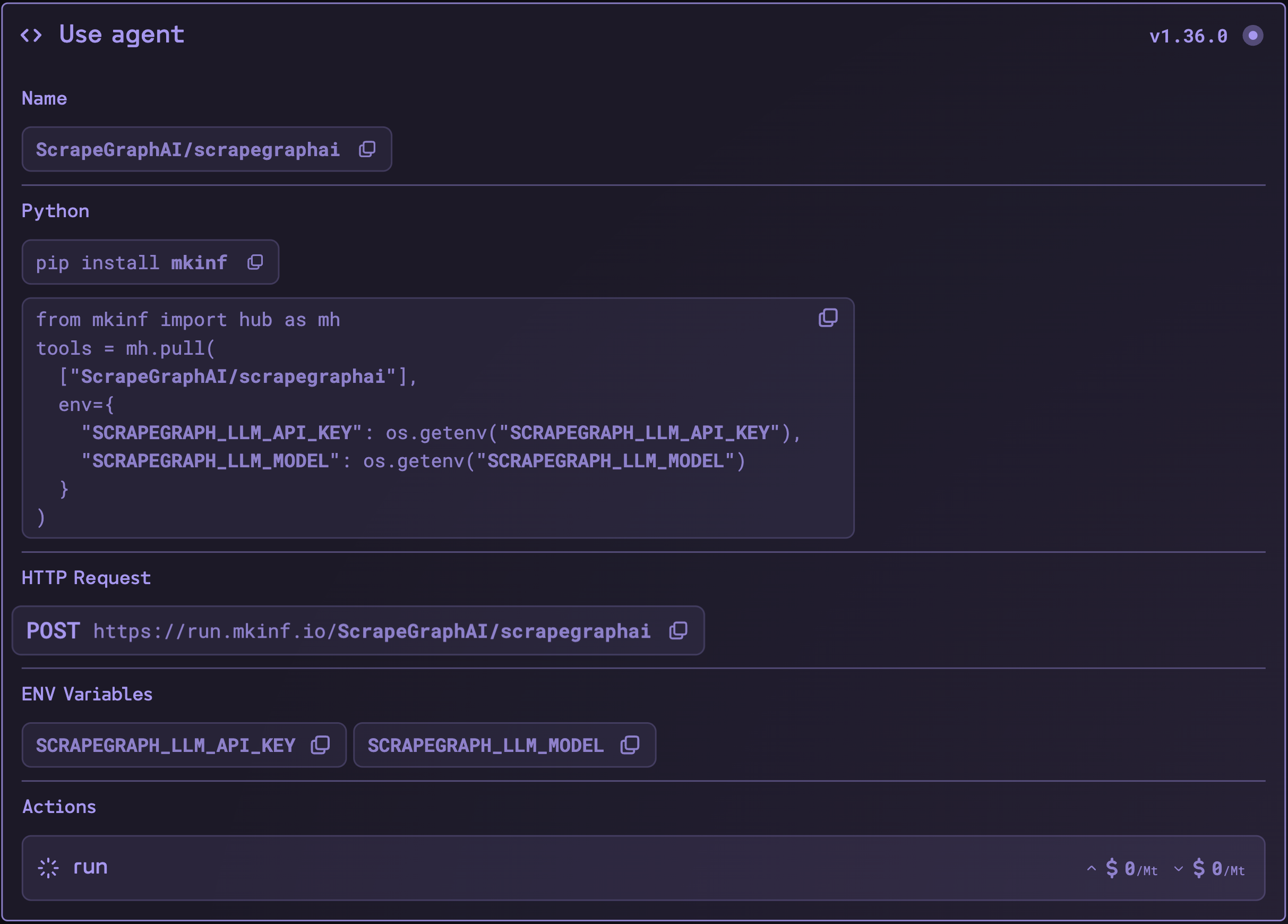 Import the agent into your code
```python theme={null}
from mkinf import hub as mh
tools = mh.pull(
["ScrapeGraphAI/scrapegraphai"],
env={
"SCRAPEGRAPH_LLM_MODEL": "openai/gpt-4o-mini",
"SCRAPEGRAPH_LLM_API_KEY": os.getenv("OPENAI_API_KEY")
}
)
```
Remember to configure any required environment variables specified in the agent's documentation.
## Current Limitations
Currently, mkinf tools are compatible with LangChain chains and graphs. Support for other frameworks like CrewAI, AutoGen, and SmolAgents is coming soon.
## Next Steps
* Check out our [SDK repository](https://github.com/mkinf-io/mkinf-py/tree/main/example) for implementation samples
* Join our [Slack community](https://join.slack.com/t/mkinf-community/shared_invite/zt-2wa3mqqsx-27qHzCok~BCdZTowifer~g) for support
Import the agent into your code
```python theme={null}
from mkinf import hub as mh
tools = mh.pull(
["ScrapeGraphAI/scrapegraphai"],
env={
"SCRAPEGRAPH_LLM_MODEL": "openai/gpt-4o-mini",
"SCRAPEGRAPH_LLM_API_KEY": os.getenv("OPENAI_API_KEY")
}
)
```
Remember to configure any required environment variables specified in the agent's documentation.
## Current Limitations
Currently, mkinf tools are compatible with LangChain chains and graphs. Support for other frameworks like CrewAI, AutoGen, and SmolAgents is coming soon.
## Next Steps
* Check out our [SDK repository](https://github.com/mkinf-io/mkinf-py/tree/main/example) for implementation samples
* Join our [Slack community](https://join.slack.com/t/mkinf-community/shared_invite/zt-2wa3mqqsx-27qHzCok~BCdZTowifer~g) for support